How to Find Backlinks Using Google Search Operators
Turn Google searches into a practical backlink discovery workflow. Use copy-ready operators to locate likely referring pages, verify actual links and separate useful brand mentions from duplicates, false positives and incomplete results.

Get featured on 500+ media outlets
Guaranteed placement, no PR experience needed.
You can find backlinks using Google by searching for your domain, brand name and distinctive content, then checking whether the pages you discover actually link to your website. Search operators make that process more focused, but they do not turn Google into a complete backlink database.
This guide gives you copy-ready searches for finding likely referring pages, unlinked mentions and publication placements. It also explains how to verify each result, because a page mentioning your business is not necessarily a page linking to it.
What Google can and cannot reveal
Google searches its index for pages matching your query. It does not provide a comprehensive report of every hyperlink pointing to a domain.
That distinction matters. A publisher might link to your website through an anchor such as “view the report” without displaying your domain anywhere in the visible text. Searching for your domain may miss that backlink. Conversely, a page displaying your domain as plain text may appear in search without containing a clickable link.
Google is useful for discovering public coverage, branded references and likely link sources. It is less useful for measuring your total backlink count, identifying every referring domain or detecting lost links systematically.
Treat search results as candidates, not confirmed backlinks. For a broader inventory, combine this workflow with the reporting methods in our guide to finding backlinks to your website and acting on them.
Search operators to find backlinks using Google
Start with a small set of operators. Google’s guidance on refining web searches explains core techniques such as quotation marks, site restrictions and excluded terms.
Replace the example domains and names below with your own. Keep operators attached to their values, such as site:example.com, without a space after the colon.
| Operator | Example | Practical use |
|---|---|---|
| Quotation marks | "example.com" |
Search for the domain string rather than loosely related words |
site: |
site:publisher.com "Acme Studio" |
Search within a particular publisher or domain |
| Minus sign | "Acme Studio" -site:example.com |
Exclude your own website from the results |
intext: |
intext:"Acme Studio" -site:example.com |
Focus the search on a phrase in page text |
intitle: |
"Acme Studio" intitle:interview |
Look for a brand reference on pages with a relevant title term |
inurl: |
"Acme Studio" inurl:partners |
Look for references on pages with a relevant URL term |
filetype: |
"Acme Studio" filetype:pdf |
Discover reports, programs and other indexed documents |
These operators narrow a search. None specifically means “show pages containing a hyperlink to this website.” If a query returns little, remove one restriction before assuming there is no coverage.
Start with your domain outside your own site
The simplest way to find backlinks using Google is to search for your domain while excluding your own pages:
"example.com" -site:example.com
This can surface articles, directories, partner pages and other documents that display your domain. It is a useful starting point because the domain string is usually more distinctive than a generic business name.
Open promising results and look for the reference. A visible URL might be clickable, but it might also be plain text. Search snippets alone cannot establish which one it is.
For a particular asset, try its distinctive URL fragment:
"example.com/research/annual-report" -site:example.com
This may uncover pages that reproduce the address. However, it can miss links whose destination appears only in the underlying hyperlink, not the searchable text.
Run a second search for the asset’s title to cover that gap. Record which query produced each candidate so you can repeat useful searches later without starting from scratch.
Search brand names and distinctive content titles
Domain searches are only one route. Publications often mention a company by name and attach the link to that name, making branded searches a useful companion:
"Acme Studio" -site:example.com
If the brand name is ambiguous, add a product, industry or location:
"Acme Studio" "architecture" -site:example.com
When you find backlinks using Google, these contextual searches help separate relevant coverage from unrelated businesses with similar names. Run separate searches for meaningful naming variations, such as a former company name or a product brand.
You can also search a distinctive article, report or press release title:
"2026 Small Business Payments Report" -site:example.com
A unique phrase from the introduction can help when publishers rewrite the headline. Choose wording that is genuinely distinctive rather than a generic statement about your industry.
These searches can reveal linked coverage, unlinked mentions and syndicated copies. Classify them separately. An unlinked mention may justify a polite link request, but it is not an existing backlink and should not be counted as one.
Narrow the search to likely publishers and page types
Once you know which publications cover your business, search those domains directly:
site:publisher.com "Acme Studio"
This is useful after an interview, a product announcement or a distribution campaign. It can also locate coverage when the publisher’s own search function is difficult to use.
To find backlinks using Google within a known publication, try the brand name first, then the announcement title and finally a distinctive sentence. Each query tests a different way the coverage might have been indexed.
For broader discovery, add a page-type clue:
"Acme Studio" intitle:interview -site:example.com
"Acme Studio" inurl:partners -site:example.com
"Acme Studio" filetype:pdf -site:example.com
An interview may contain a company link, a partner page may list suppliers and an event program may link to participating businesses. These are search hypotheses, not guarantees.
Use one additional restriction at a time. Combining a domain phrase, title restriction, URL restriction and file type can make a query so narrow that useful pages disappear. If a filtered search fails, return to the brand-only version and inspect a broader set of results.
A worked example: researching an entertainment business
For a local-language example, consider Entertainmens’ shows, acts and workshops. Those services suggest several relevant places to investigate: event recaps, school activity reports, venue pages and campaign announcements.
Begin with the domain and brand:
"entertainmens.nl" -site:entertainmens.nl
"Entertainmens" -site:entertainmens.nl
Then add service or event terms used by the audience:
"Entertainmens" "workshop" -site:entertainmens.nl
"Entertainmens" "evenement" -site:entertainmens.nl
Here, evenement is the Dutch word for “event.” Searching in the market’s language can uncover references that an English-only query would miss.
If you want to find backlinks using Google for a local business, use this same progression: domain, brand, service and local context. An event organizer might describe a performance without repeating the agency’s website address, so a service-based search provides another route to the page.
These queries illustrate a research process. They do not establish that any specific organizer, school or venue links to Entertainmens. You would still need to open each result and verify the hyperlink.
The approach transfers to other sectors. A software company can add product names and integration terms; a consultancy can add report titles and conference names. The goal is to search language that a referring page is likely to contain.
Verify the backlink on the source page
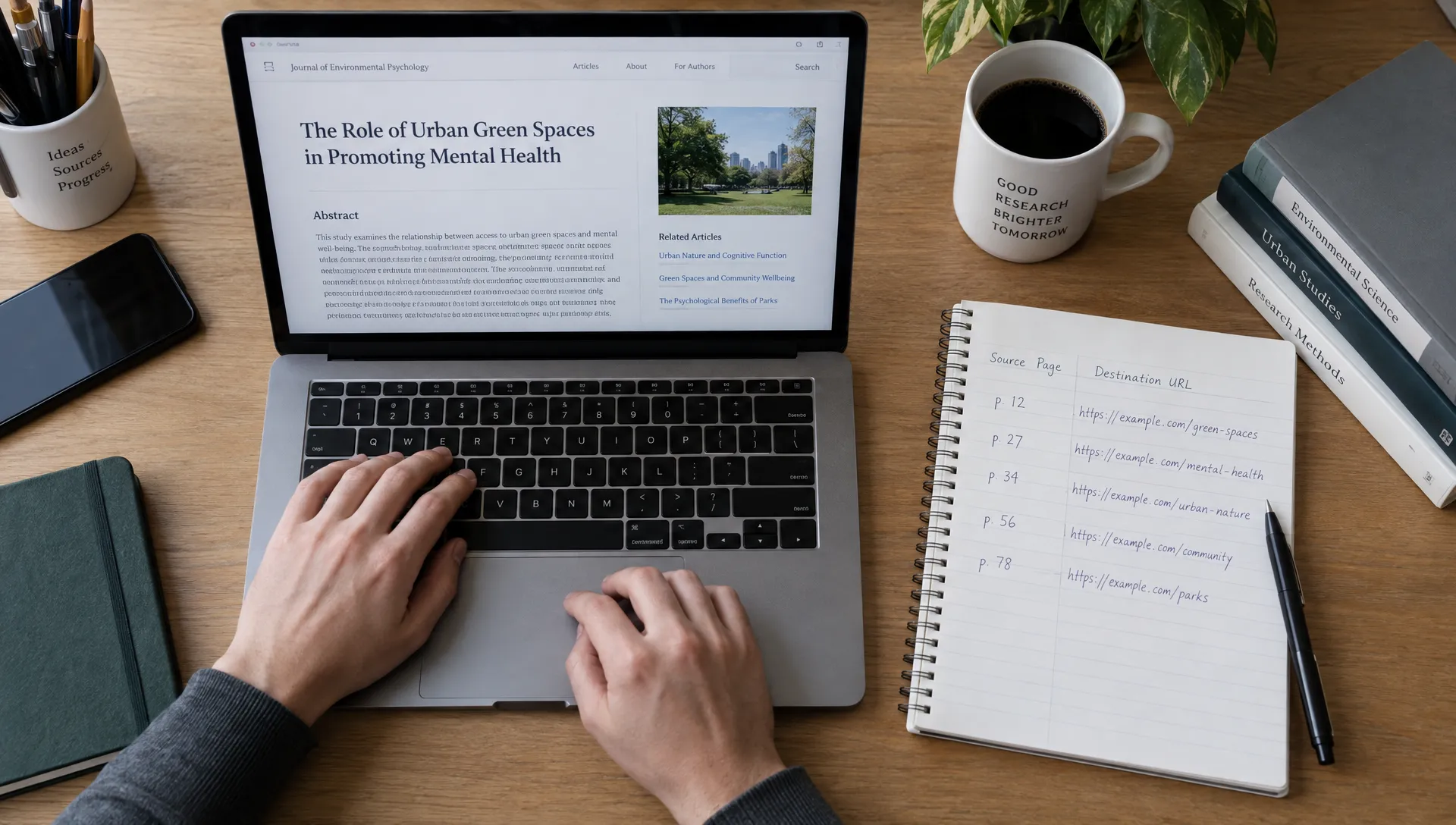
Open each promising result rather than relying on its snippet. Use the browser’s Find function to locate your brand, domain or content title, then inspect the surrounding passage.
For a useful verification record, check the following:
- Clickable link: Confirm that the reference is an actual hyperlink, not plain text or an image of a URL.
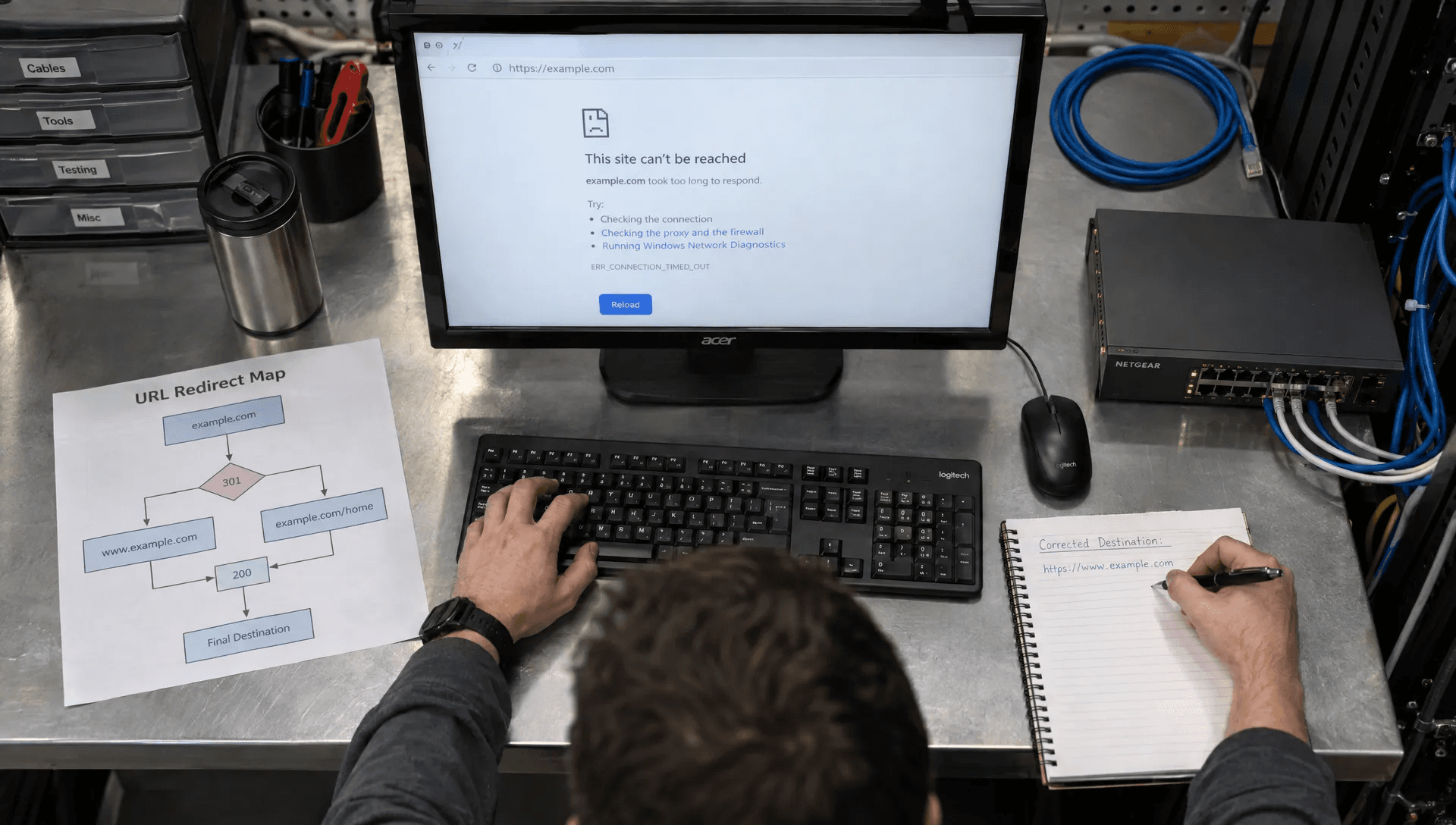
- Destination: Copy the link address and check whether it reaches your intended page, including any redirects.
- Context: Record whether the link appears in an article, author biography, directory entry or another location.
- Attributes: Inspect the link element for attributes such as
nofollow,sponsoredorugcwhen relevant. - Availability: Confirm that the source page loads and that the destination is not broken.
When you find backlinks using Google, the opened source page provides the evidence. A snippet can be outdated, and a brand reference may appear far from the link you are trying to verify.
For PDFs, inspect the document itself and test any embedded hyperlink. A printed URL does not automatically become a clickable link.
You can inspect an HTML link by right-clicking it and choosing your browser’s inspection option. Look at the anchor element’s href destination and rel attributes. The absence of a qualification attribute does not prove that Google will credit the link or improve your rankings.
Verification establishes what exists on the page. Evaluating its usefulness is a separate task, covered in our guide to analyzing backlinks for quality, relevance and risk.
Record findings so they lead to useful action
A lightweight spreadsheet is enough for a manual search project. Save the source URL, destination URL, anchor text, link attributes, search query and date checked.
Add a status field so mentions and duplicate results do not inflate your confirmed-link count:
| Status | What you found | Sensible next step |
|---|---|---|
| Verified backlink | A working hyperlink to your website | Record the destination and context |
| Unlinked mention | Your brand appears without a hyperlink | Consider a relevant, personalized request |
| Wrong destination | The link points to an outdated or incorrect page | Ask for a correction or review your redirect |
| Syndicated copy | Another publication carries substantially the same announcement | Track the placement without assuming independent endorsement |
| False positive | The result concerns another business or has no relevant reference | Remove it from the working list |
If you find backlinks using Google repeatedly, this status system makes the work cumulative. You can revisit unresolved candidates instead of rediscovering them every month.
Deduplicate exact source URLs, but keep separate pages when they contain distinct coverage. Track referring domains separately from page-level links: five links from one publication are not five different referring domains.
For outreach, explain the reader benefit. A link to the original study, official event details or current product documentation can make sense. Asking every person who mentions your name to add a link is less useful than prioritizing pages where the destination genuinely supports the content.
Avoid shortcuts that produce misleading conclusions
Do not use the old link: operator as a backlink report. It is not a supported, dependable way to retrieve a website’s inbound links.
Also avoid interpreting Google’s displayed result estimate as a backlink count. It can include your own pages, unlinked references, duplicate content and unrelated matches. Even a carefully filtered search remains a discovery exercise, not an exhaustive inventory.
You can find backlinks using Google without assuming that an absent result means an absent link. A page may not be indexed, the query may not match its text or the link may use an anchor that never mentions your domain.
Publication dates and search date filters have limits too. They can help locate recent coverage, but they do not reliably establish when a hyperlink was added.
Finally, separate placement verification from ranking expectations. Press release syndication can produce live coverage and links, but that does not guarantee search visibility gains. Under Google’s link spam policies, paid links should be appropriately qualified, typically with rel="sponsored"; nofollow is also acceptable. A proof report should document the placement, not promise that every link passes ranking credit.
Frequently asked questions
Can Google show every backlink to my website? No. Google Search returns pages matching a query, not a complete inbound-link report. Use it to discover candidates and investigate coverage, then supplement it with backlink reporting tools when completeness matters.
What is the best first query? Start with "example.com" -site:example.com, replacing the domain with yours. Then search your quoted brand name with the same exclusion. These provide complementary starting points, although neither confirms a hyperlink by itself.
Can I find backlinks using Google for a competitor? Yes. Search the competitor’s domain, brand names and distinctive content titles, then verify links on the resulting pages. The same limitations apply: visible mentions are not automatically backlinks, and search results are incomplete.
Does a result with no link still have value? It can. An unlinked mention may reveal relevant coverage or a potential correction request. Keep it in a separate category rather than including it in your verified backlink total.
How often should I repeat these searches? Repeat them after announcements, interviews or campaigns, then on a schedule suited to your publishing activity. Reuse saved queries and compare verified findings, not fluctuating result estimates.
Make your next announcement easier to verify
MediaBoost provides press release distribution, editorial review and live-link proof reports. If you are planning an announcement, explore MediaBoost’s press release services and ask how placement URLs and destination links will be documented. Use Google searches as a supplementary check, not as the sole record of delivery.